

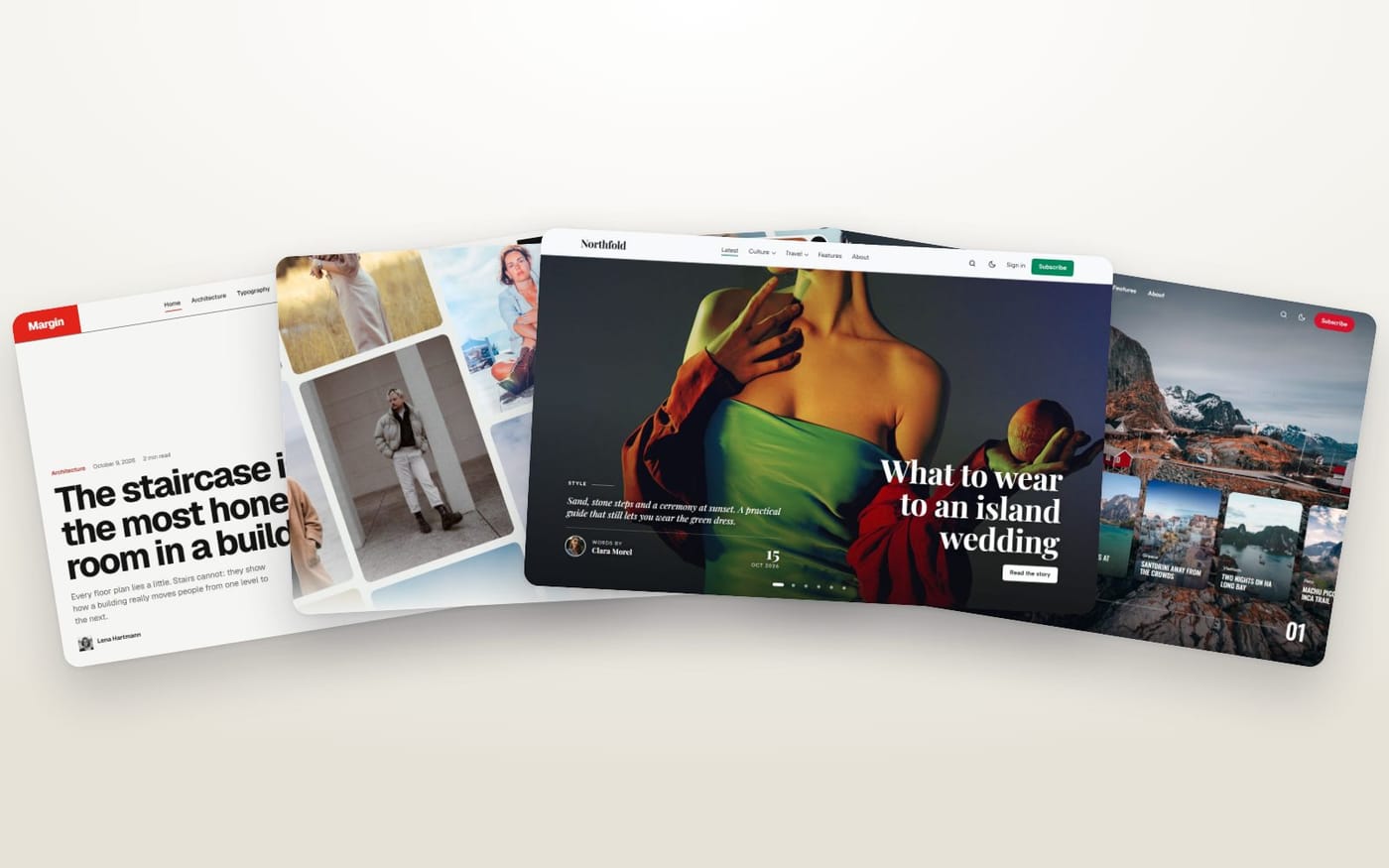
A magazine front page, a portfolio of projects, a travel blog sorted by country: on Ghost, none of them needs a developer. You learn three things — the homepage, the post settings and tags — and the theme does the rest. Here is how, with a real theme for each kind of site.

The three things you learn once
- The homepage is a set of switches. In Design & branding → Customize, each section has its on/off switch and its options. A section without posts hides itself.
- A post has a Featured checkbox. Tick it, and the theme puts the post in its place of honour: a slider, a cover story, a lead.
- Tags sort, internal tags curate. A tag like Travel makes a section with its own page. A tag starting with
#, invisible to readers, sends a post to a block of the homepage:#picks,#trending,#project.
That is all. Here is what it looks like, site by site. The details are in this guide.
A blog
Kontur — a blog with a strong look
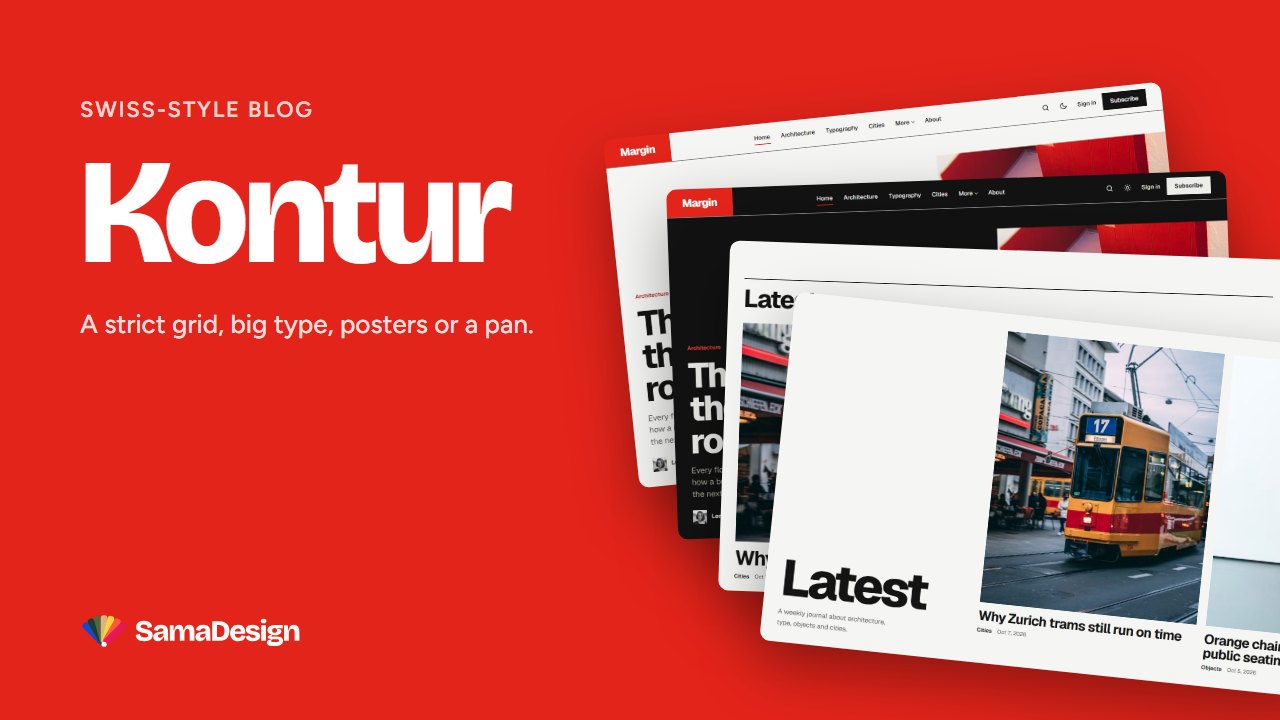
- Tick Featured: the post becomes the lead story.
- Your latest posts show as a wall of posters, or slide sideways: one setting.
- Tag a post
#selectedto put it in the Selected section.
Try the live demo · See Kontur →
Gazette — a lively lifestyle blog
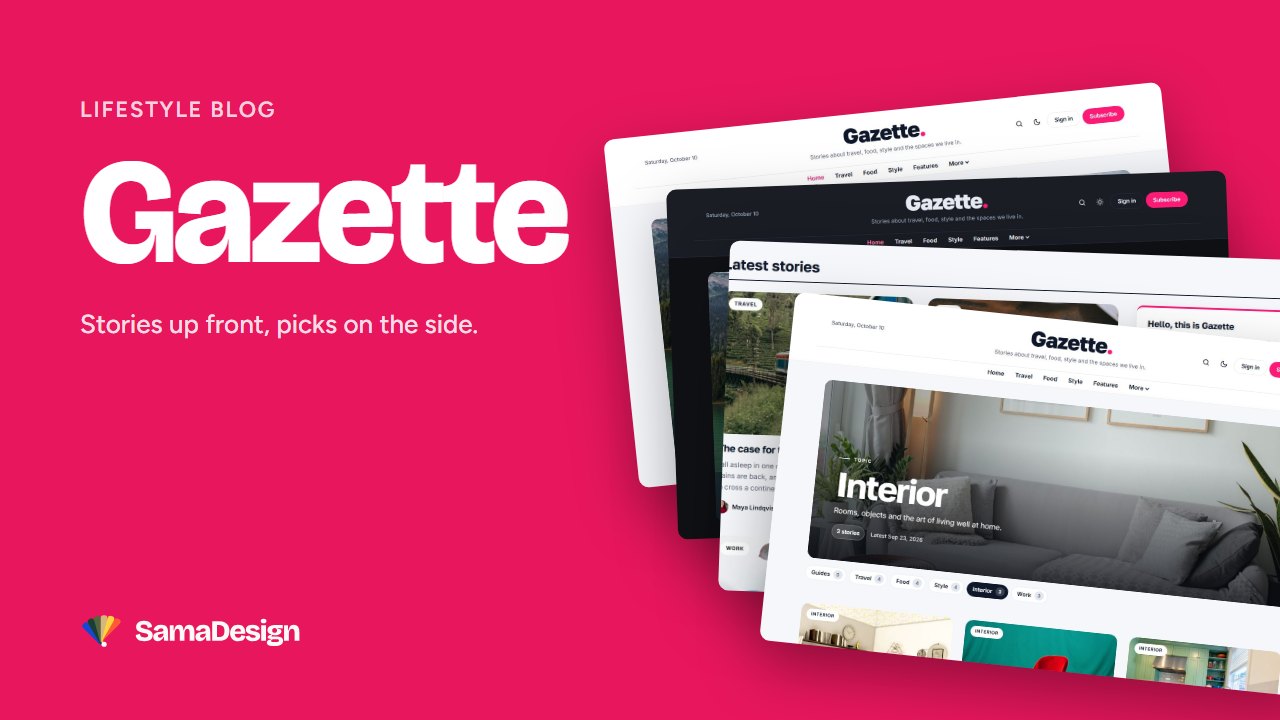
- Tick Featured: the post joins the big slider at the top.
- Tag it
#picks: it appears in the numbered picks of the sidebar. - Tag it
#quote: its excerpt becomes the quote of the week.
Try the live demo · See Gazette →
A magazine
Cobalt — the editorial magazine
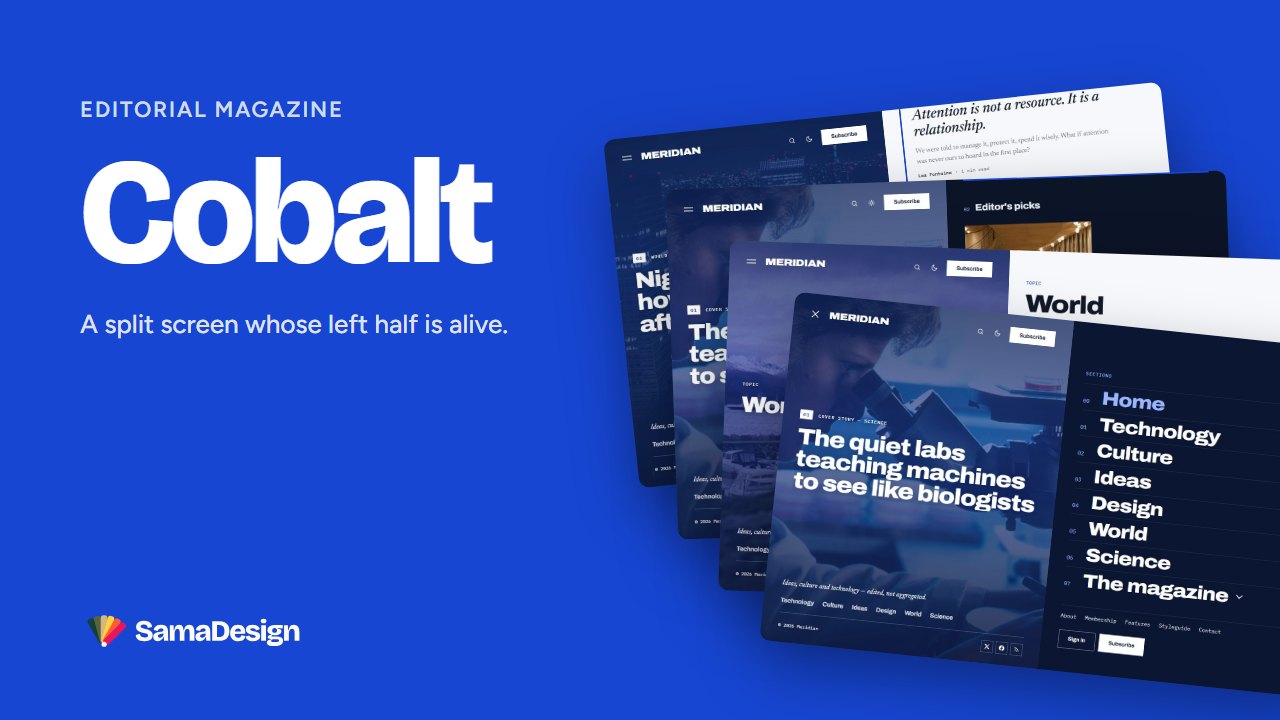
- The latest featured post makes the cover.
#picksfills the Editor’s picks,#trendingthe Most read list.- Each title is a setting: “This week”, “Most read this week”…
Try the live demo · See Cobalt →
Giornale — the magazine that sells memberships
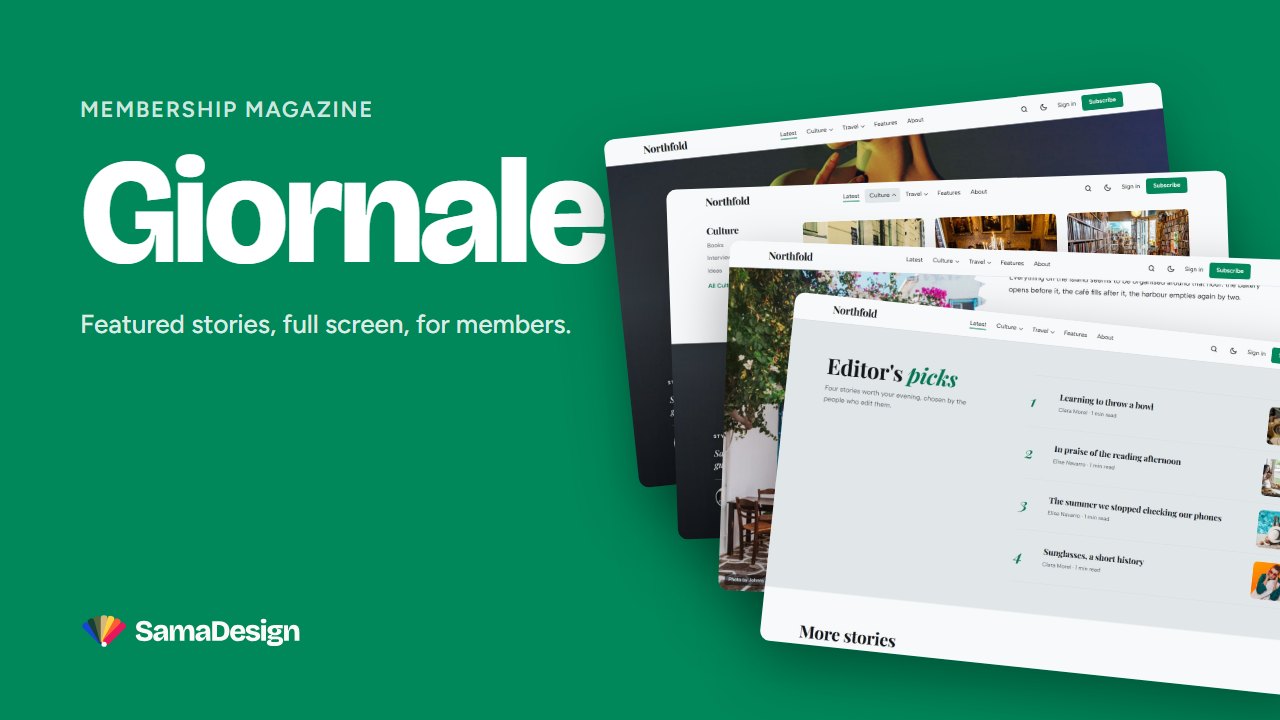
- Up to six featured posts open the homepage in a full-screen slider.
#picksmakes a numbered list of Editor’s picks.- Your Ghost tiers show on the homepage with their prices: nothing to build.
Try the live demo · See Giornale →
A portfolio
Atelier — the studio portfolio
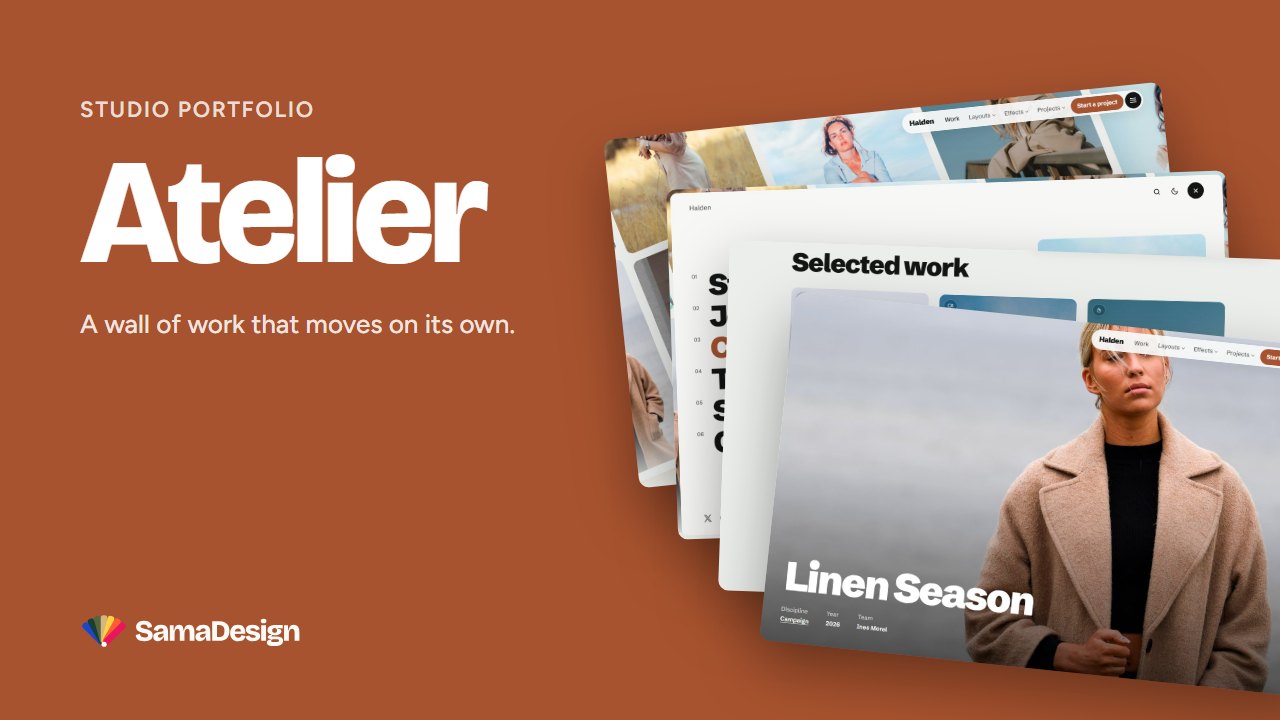
- A project is a regular post with the tag
#project. - Your projects drift on a tilted wall on the homepage.
- Each project opens on a full-screen cover, side by side or as a gallery: a template to choose in the post settings.
Try the live demo · See Atelier →
A travel blog
Explorer — trips sorted by place
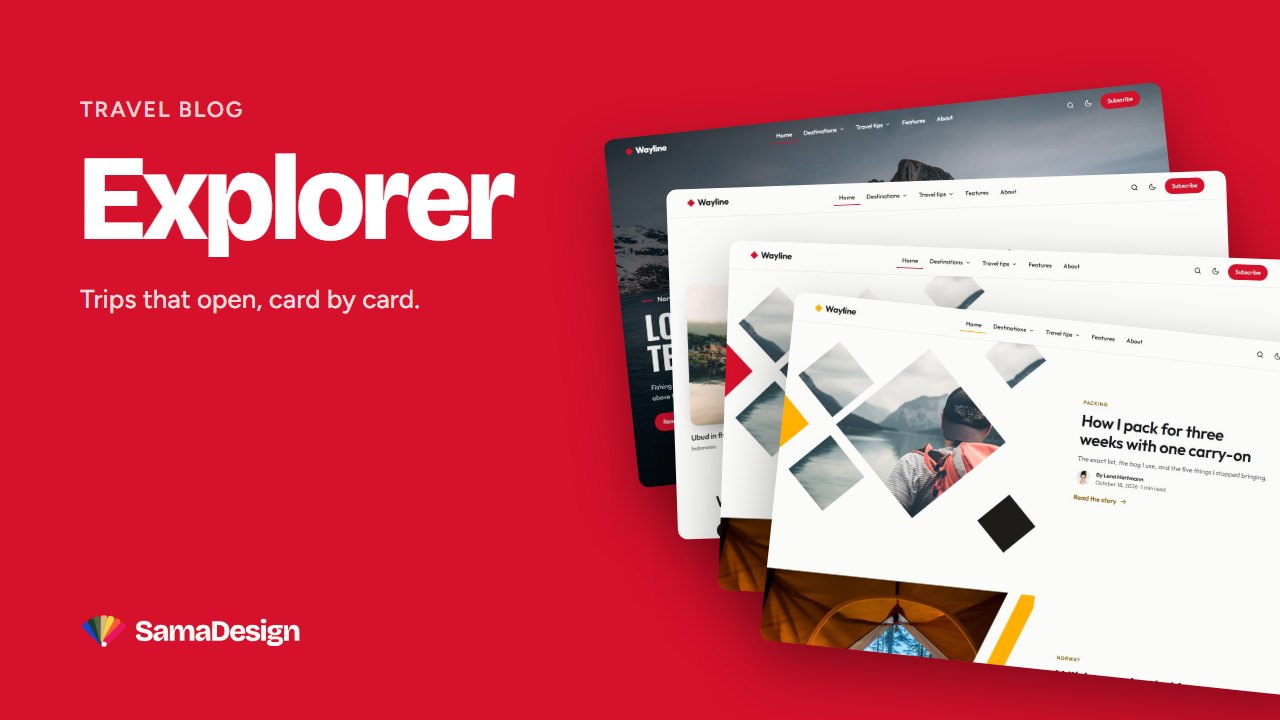
- One tag per country or region; in the menu,
-Europethen--Norwaybuilds a mega menu by continent. #trendingfills a curved row of stories,#populara tab of the Destinations block.- Each post frames its photo in one of five geometric styles, set once for the site.
Try the live demo · See Explorer →
A photo journal
Evergreen — photographs first
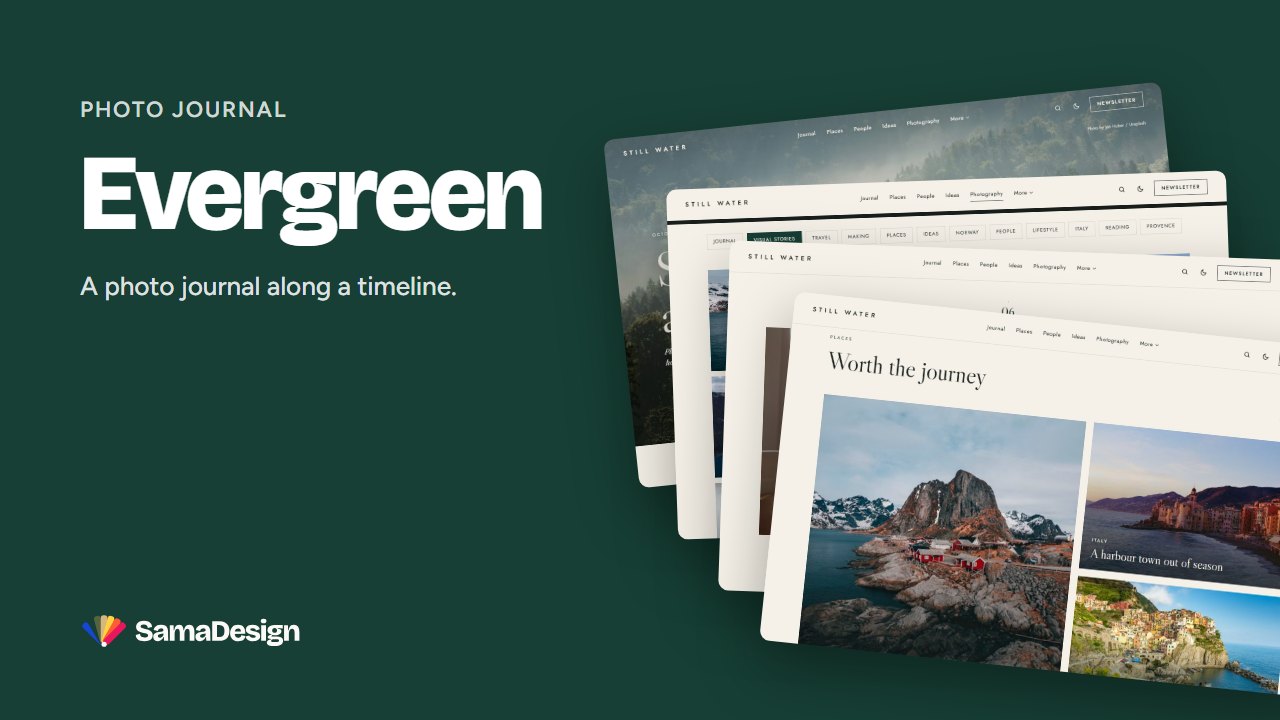
- The homepage opens on a full-bleed photograph.
- Your posts follow a timeline whose composition changes at every entry.
- Tag your photo posts Photography: their tag page becomes a mosaic of pictures.
Try the live demo · See Evergreen →
And it all starts the same way
Upload the theme, import its demo content to start from a finished site, then replace the demo posts with yours. Count an afternoon. Our step-by-step guide walks you through it, and if you would rather not do it at all, we set it up for you.
Every theme comes with lifetime updates, documentation and demo content. Compare them side by side →


