

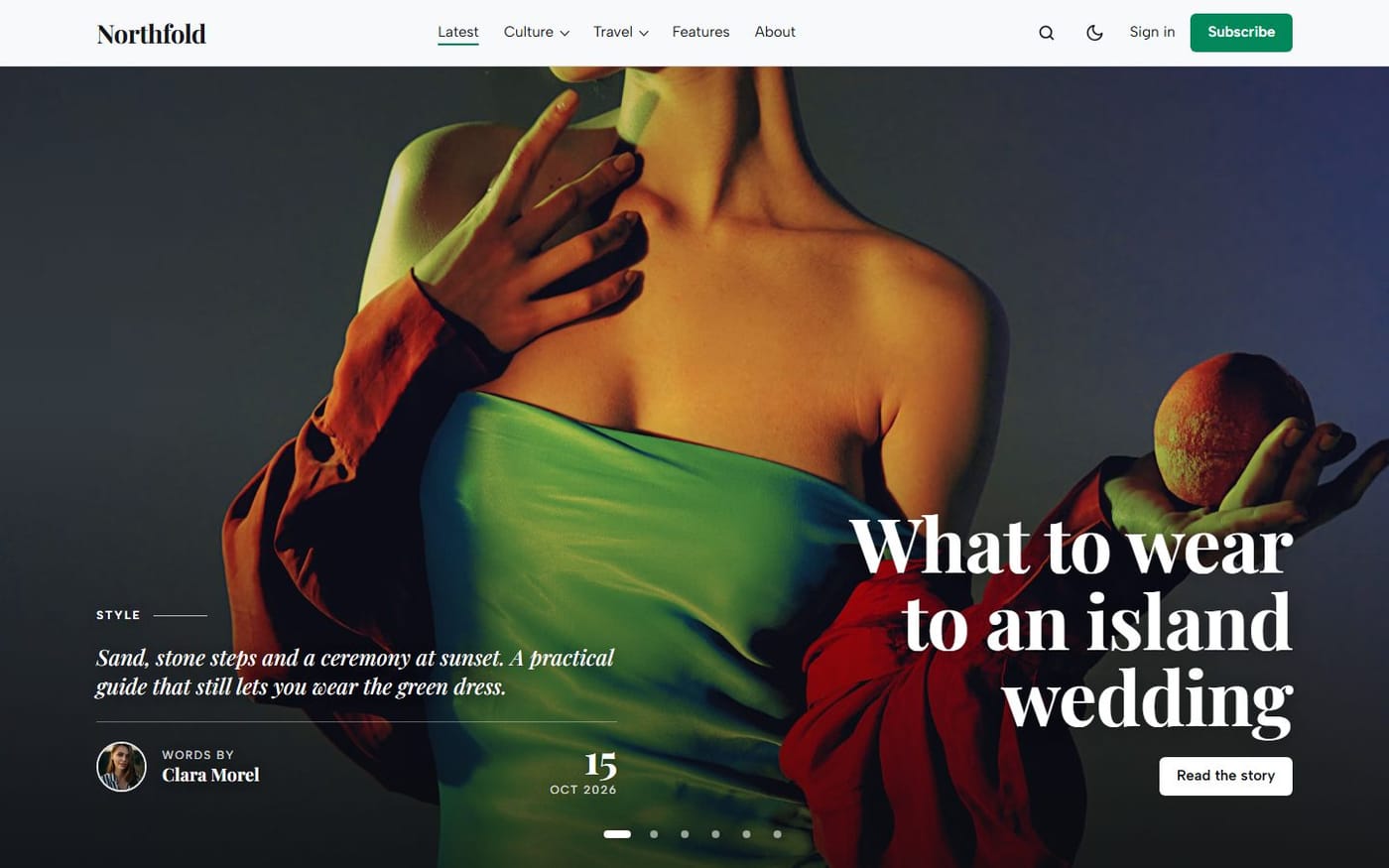
On WordPress, a magazine homepage often depends on plugins and custom fields. Ghost has three simple tools instead, and every good theme builds its homepage from them. Learn these three and you can run any Ghost site.

1. The Featured checkbox
In the settings of a post, Feature this post marks it as a highlight. The theme decides what that means. In Giornale, featured posts open the homepage in a full-screen slider, up to six, with their excerpt and author. In Kontur, the latest featured post becomes the lead story. Untick it and the post goes back to the regular list.
2. Public tags
Tags are your sections: Travel, Books, Interviews. Each tag gets its own page, and the first tag of a post is its main section. Give your tags an image and a description in Tags in the admin: many themes use them. Giornale shows your six biggest tags as photo tiles on the homepage; Kontur lists your topics in very large type with their number of posts.
3. Internal tags
A tag that starts with # is internal: readers never see it, but the theme does. It is how you curate a section by hand. Type #picks in the Tags field of a post and, in Giornale, it joins the Editor’s picks. Type #selected and, in Kontur, it appears in the Selected section. Remove the tag and the post leaves the section.
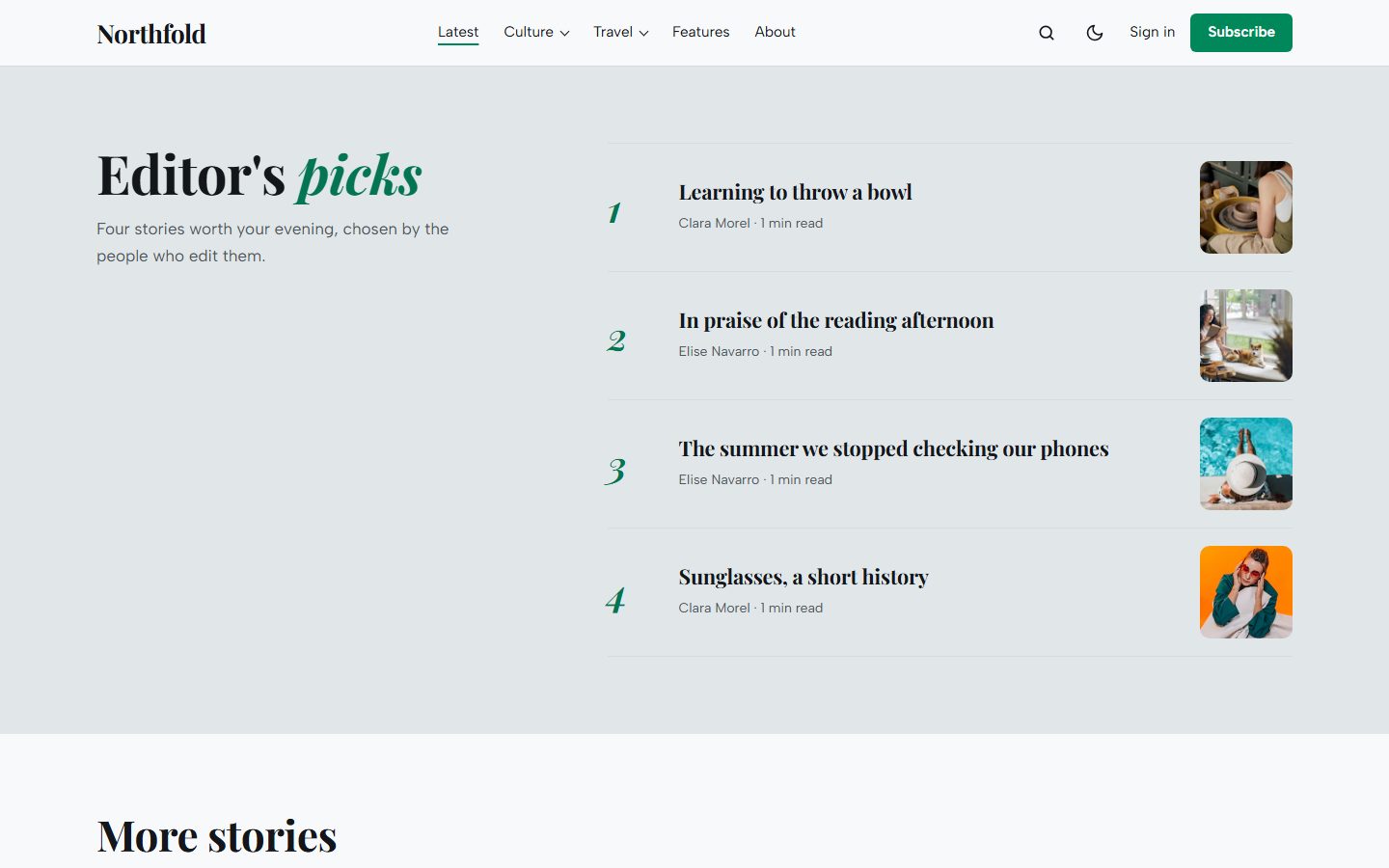
And the switches
Every section of the homepage can be turned on or off in Design & branding → Customize, and a section without posts hides itself. You never end up with an empty block.
Why it matters when you change theme
Featured, tags and internal tags are Ghost’s own data, stored with your posts. Change theme tomorrow and they are still there; the new theme reads them its own way. Nothing to fill again, nothing lost. It is also the first thing to check before you buy a Ghost theme.


