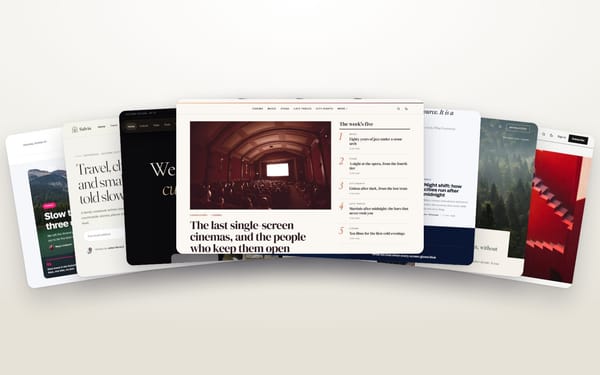
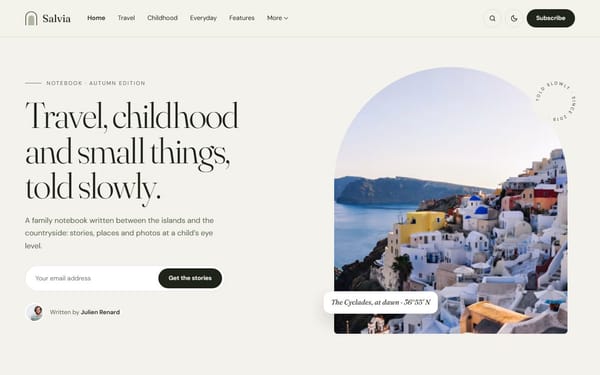
A Ghost theme is easy to change, but switching after months of publishing still costs time. Check these ten points on the live demo before you buy — any theme, from any seller.
- Compatible with the current Ghost version. Ask which version it was tested on; Ghost 6 removed some old features.
- Passes GScan. Ghost’s own validator. A seller should be able to say it passes without errors.
- Every homepage section can be switched off in Design & branding, and empty sections disappear instead of leaving a gap.
- Uses Ghost’s native features — Featured posts, tags, internal tags, Members — rather than plugins or hard-coded content.
- Every editor card is styled: galleries, bookmarks, buttons, toggles, callouts, wide and full-width images. Look for a style guide page on the demo.
- Tag and author pages look finished, not just a list.
- Newsletter sign-up is built in and hidden for readers who are already members.
- Works on a phone: open the demo on yours, try the menu, the search and a long article.
- Fast: the demo loads quickly, images are lazy-loaded and sized for the screen.
- Documentation and support: a written guide, demo content you can import, a real email address and a refund policy.
All our themes are built to pass these ten points. Compare them → or read our guide to licences.