

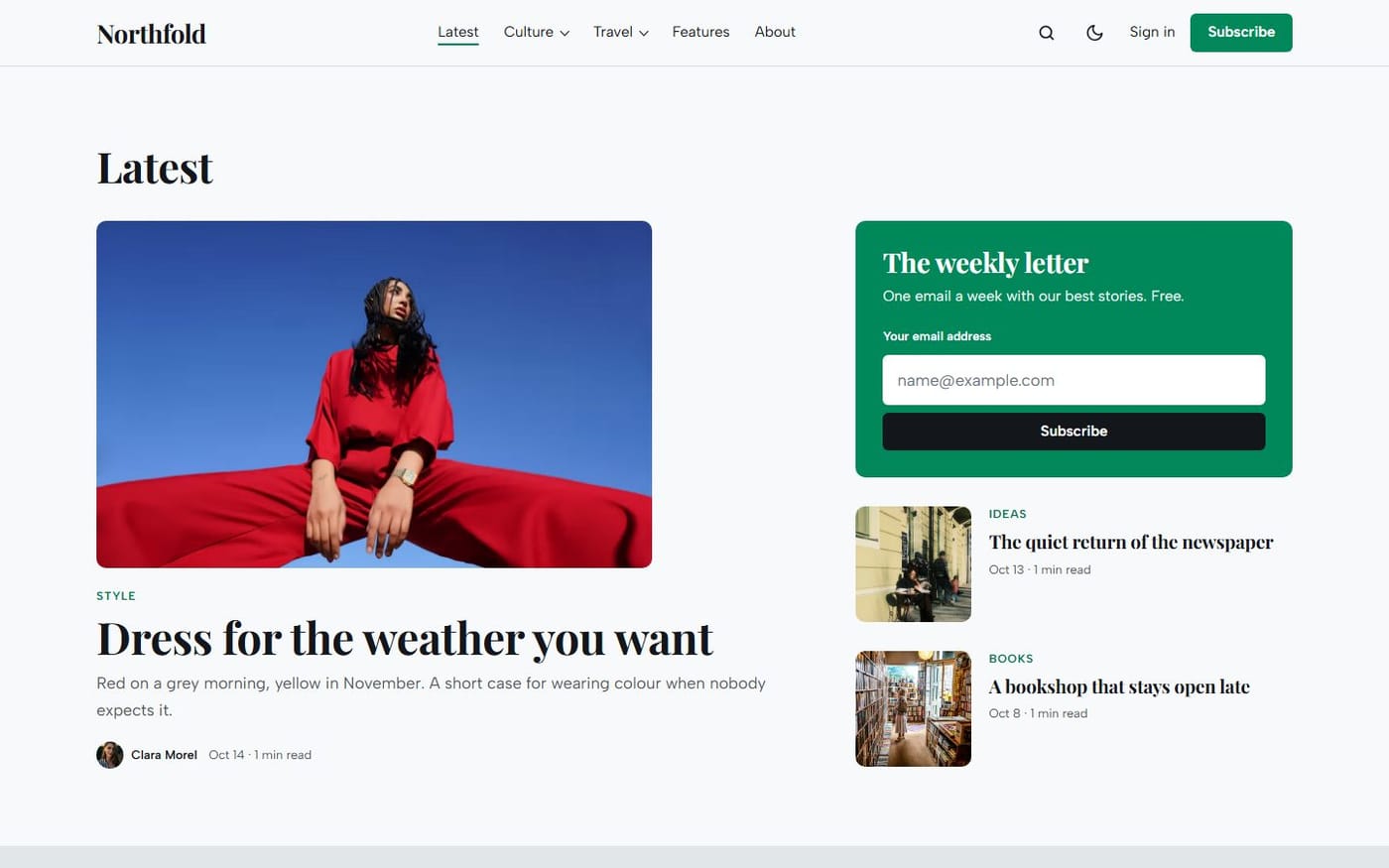
Ghost was built for this: a site, a newsletter and paid subscriptions in one place, with no commission on your revenue (Stripe takes its usual card fees). Here is how to set it up, with our theme Giornale as the example.

1. Start free
In Settings → Membership, let anyone sign up. Publish for a few weeks and grow a free list first: readers rarely pay before they know what you write.
2. Connect Stripe
Still in Membership, connect a Stripe account. Payments go straight to it; Ghost never holds your money.
3. Create your tiers
A tier is an offer: a name, a monthly and a yearly price, a description and a list of benefits (“the full archive”, “a members-only issue every month”). Two tiers are enough to start: Free and one paid tier.
4. Choose what is paid
In the settings of each post, Post access decides who can read it: everyone, members or paid members. You can also cut a post in the middle with the public preview divider: the beginning stays free, the rest asks to subscribe.
5. Let the theme sell it
This is where the theme matters. Giornale shows your tiers on the homepage with their prices and benefits, and puts the second one forward. Change a price in Ghost and the site follows. The block disappears for readers who already pay.
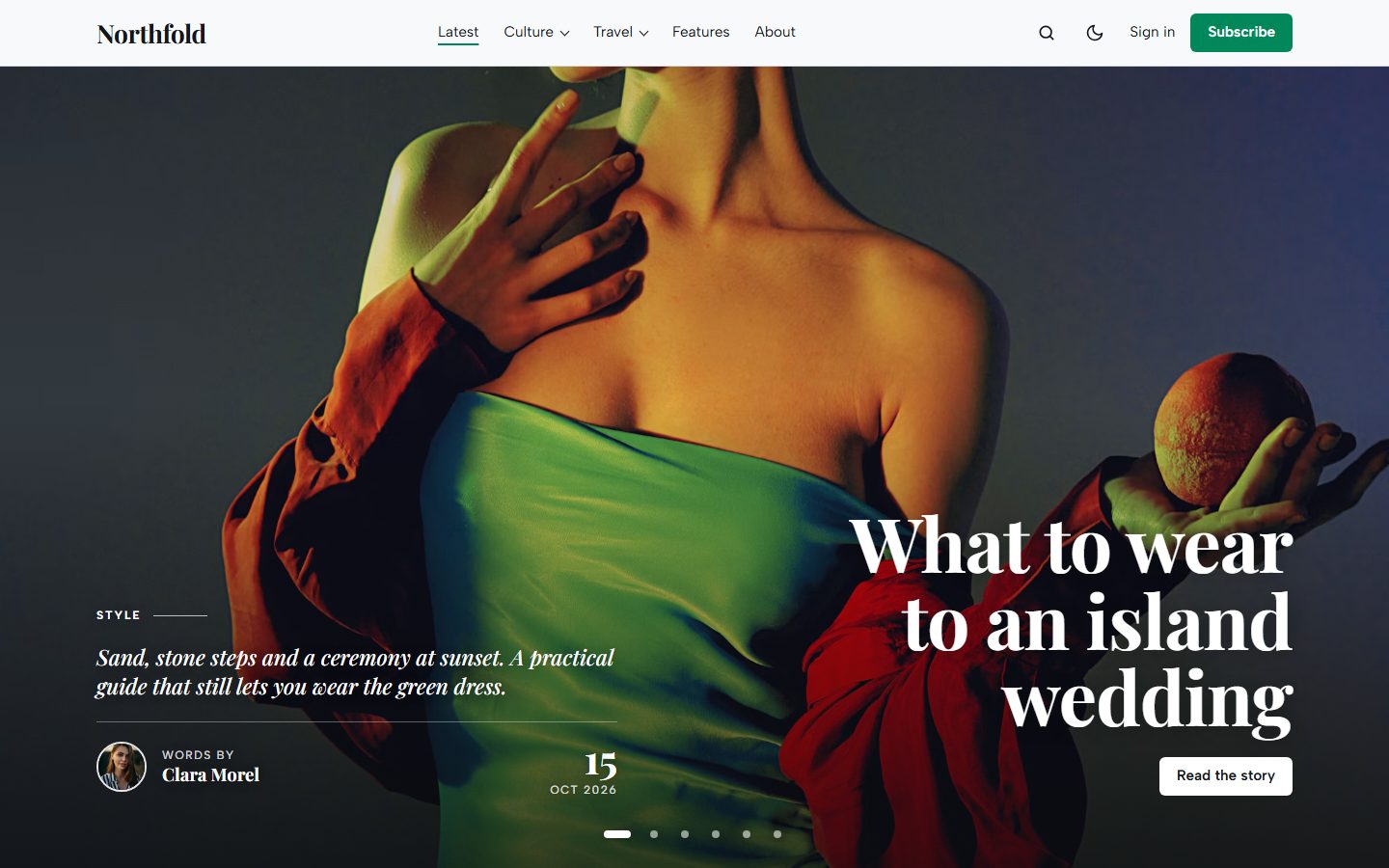
A sign-up box also closes every post for visitors, and paid posts show a lock badge on the homepage cards, so readers know what membership opens.
6. Send, and keep sending
Each time you publish, Ghost asks whether to email the post and to whom: everyone, free members or paid members only. Regularity sells more than any design: pick a rhythm you can keep.
All the themes made for memberships are on Ghost themes for paid newsletters.


